A personal iPad app project for creating forms, locking them with a unique code and collecting user submissions.
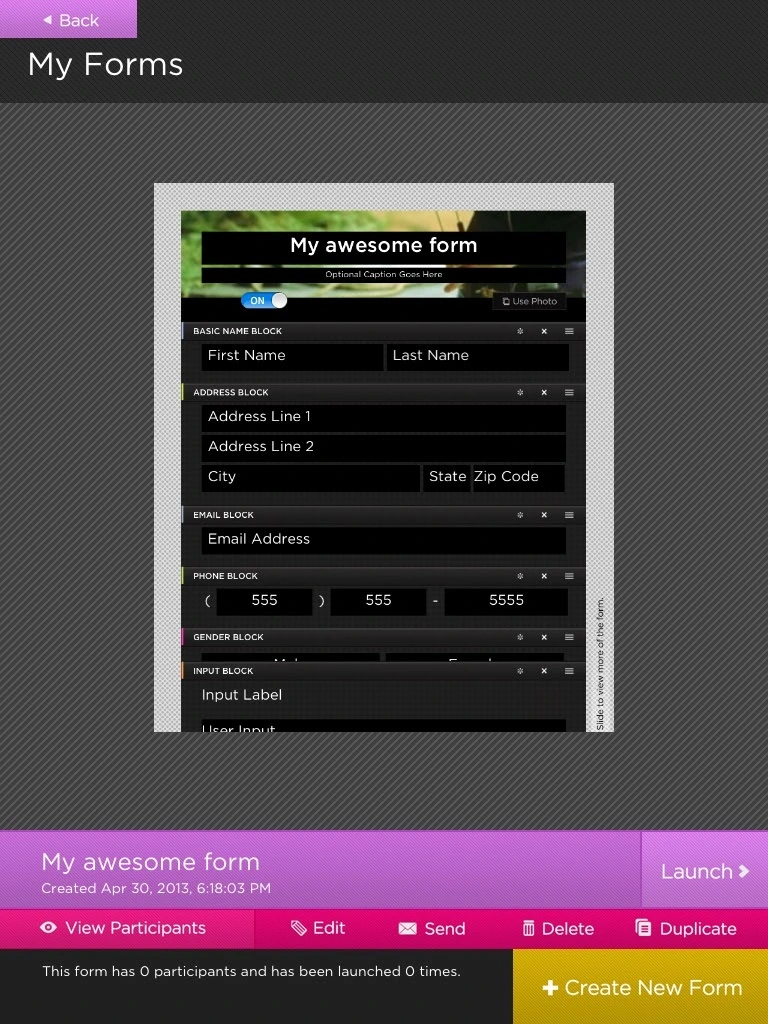
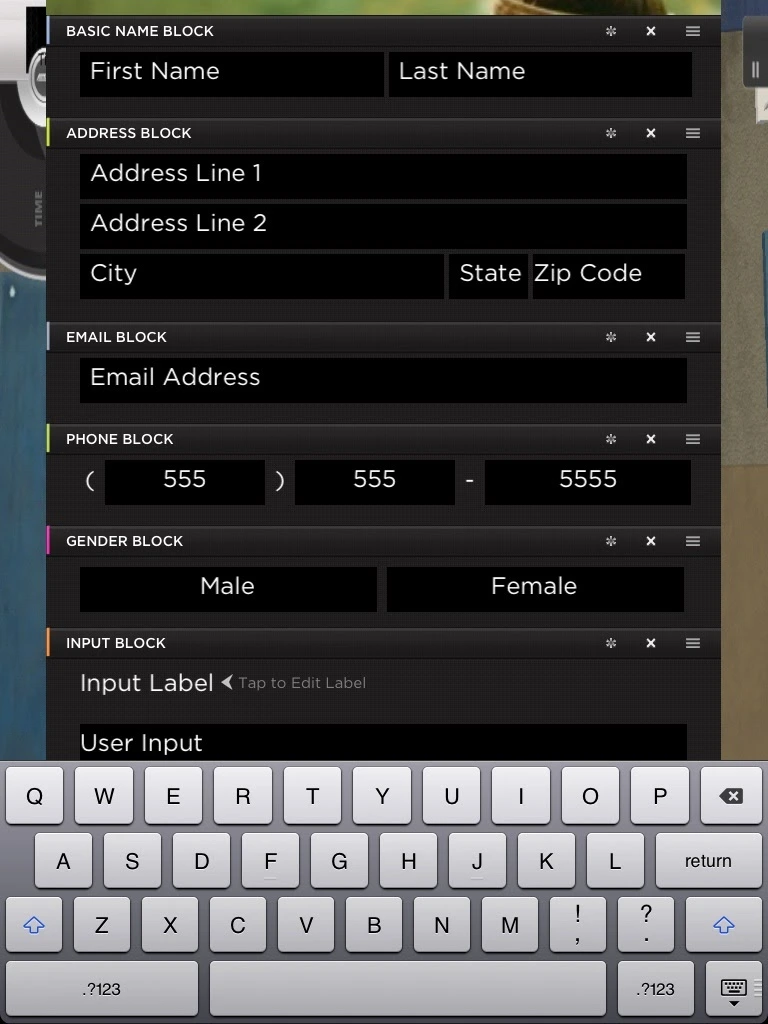
Build a form for the task at hand, customize its appearance and launch it for people to fill out on the iPad. These archived screens show the form builder, reusable field blocks, previews and form-management workflow. The code-lock capability is part of the project description; no lock code is shown here.
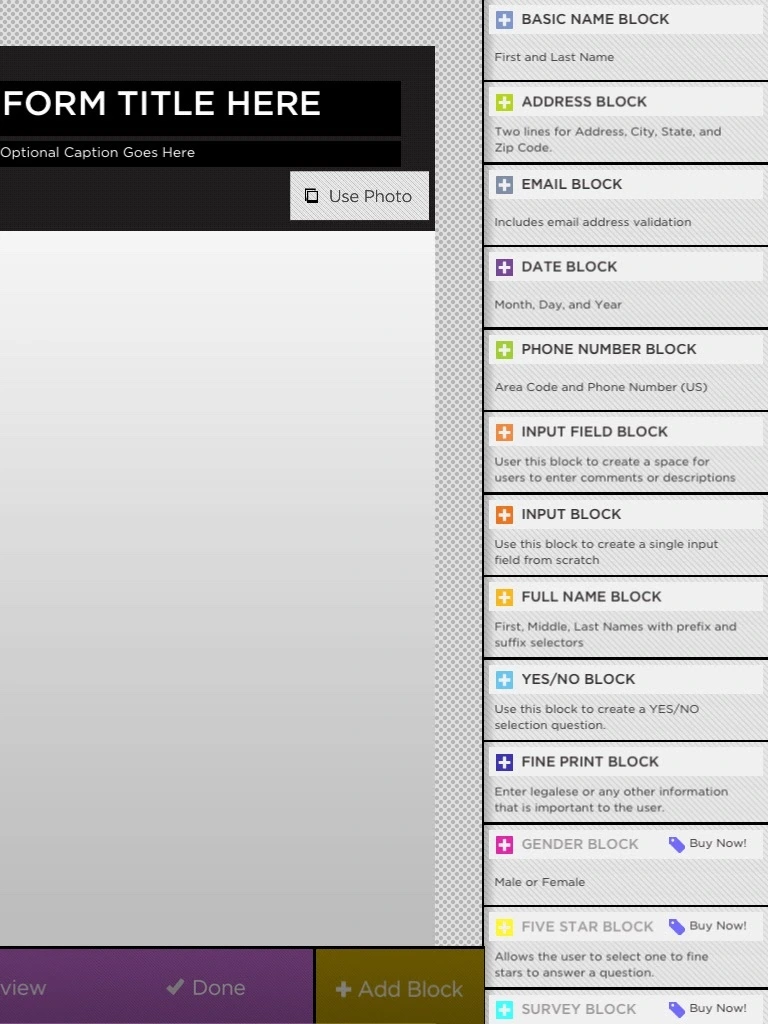
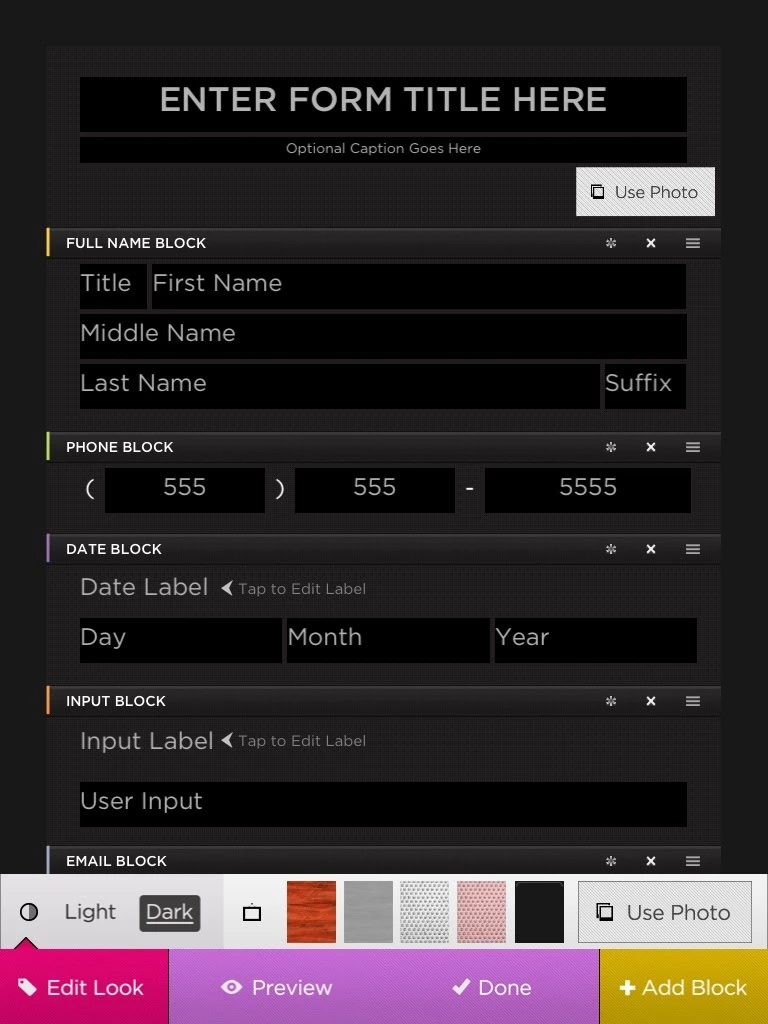
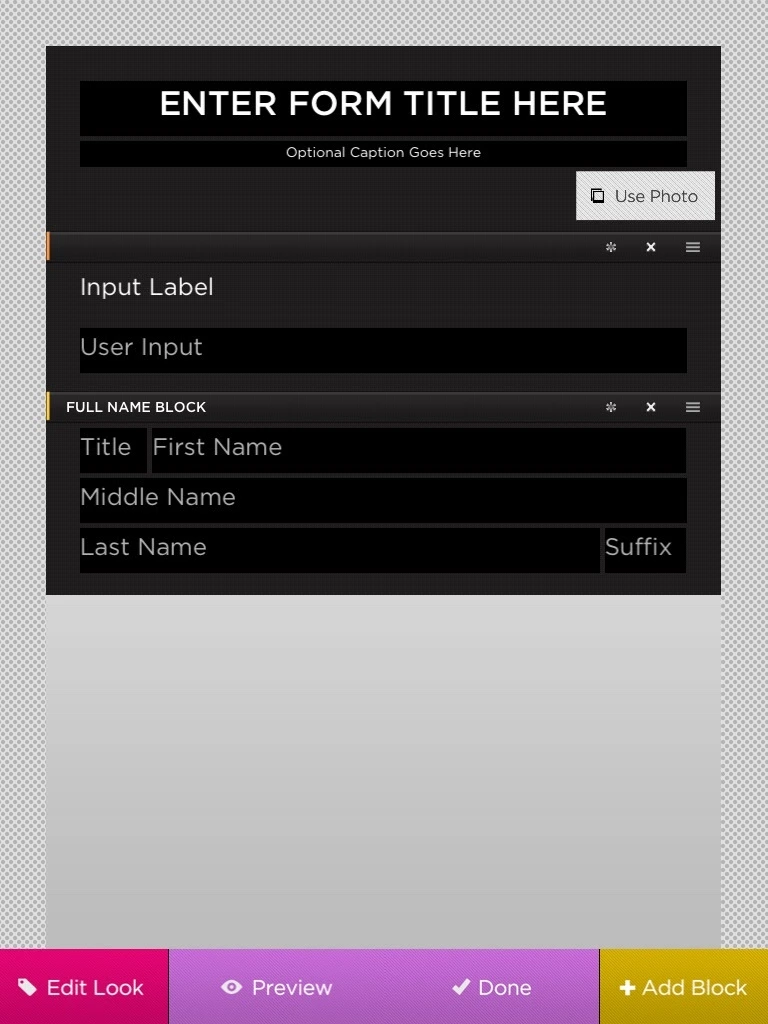
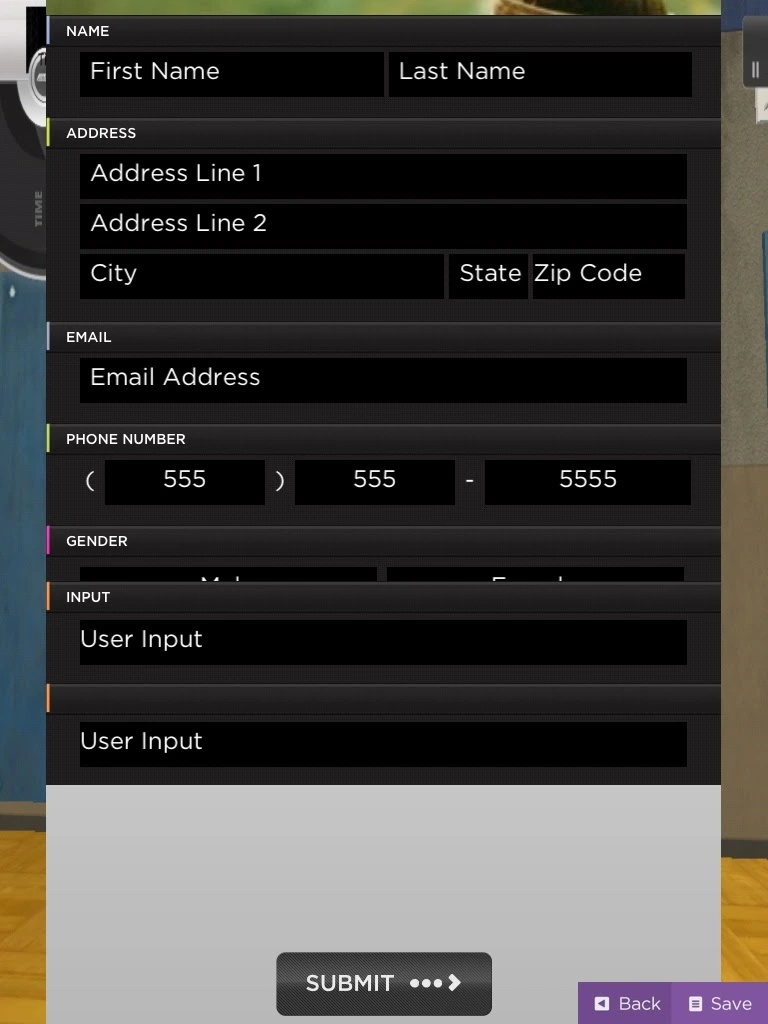
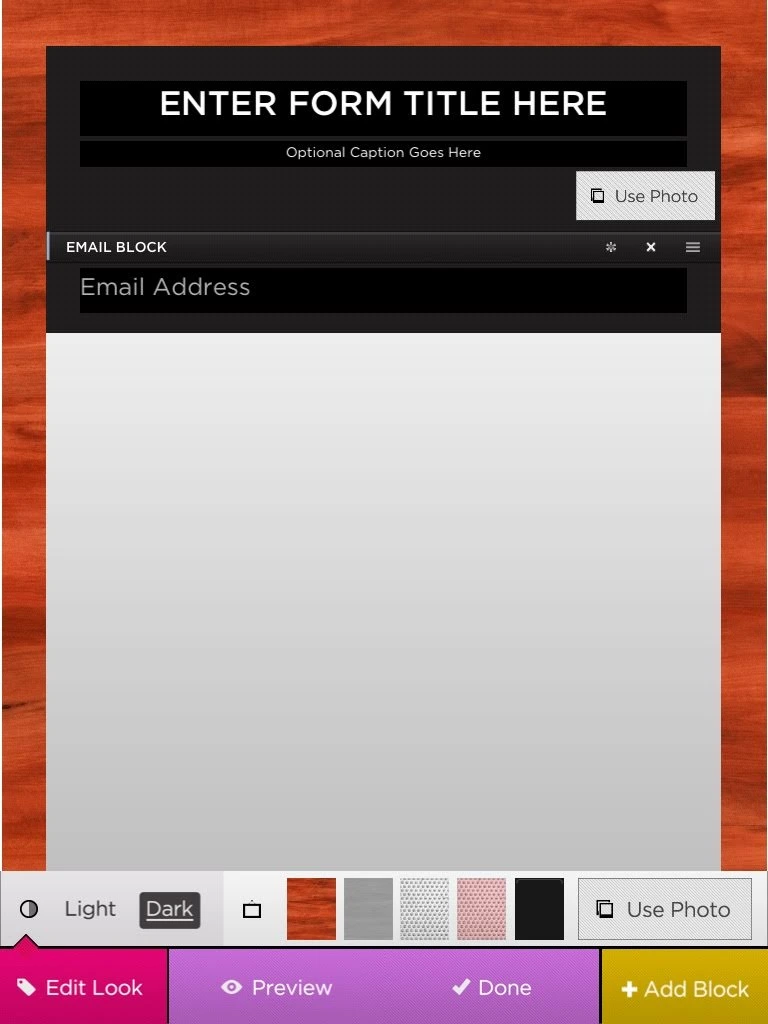
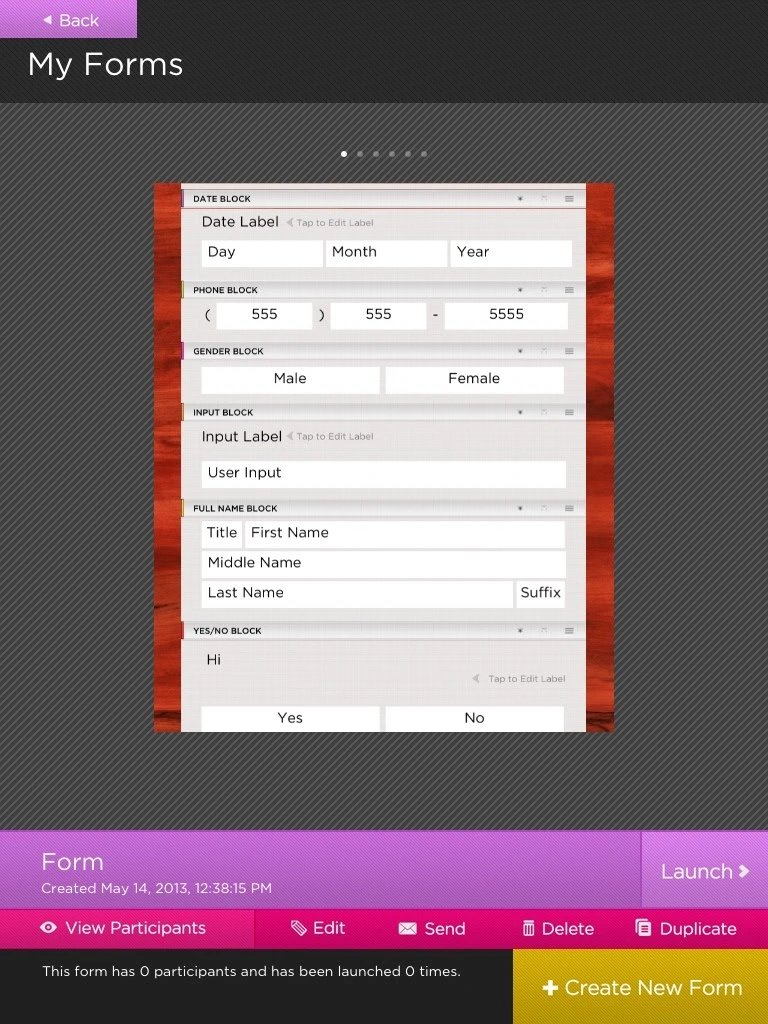
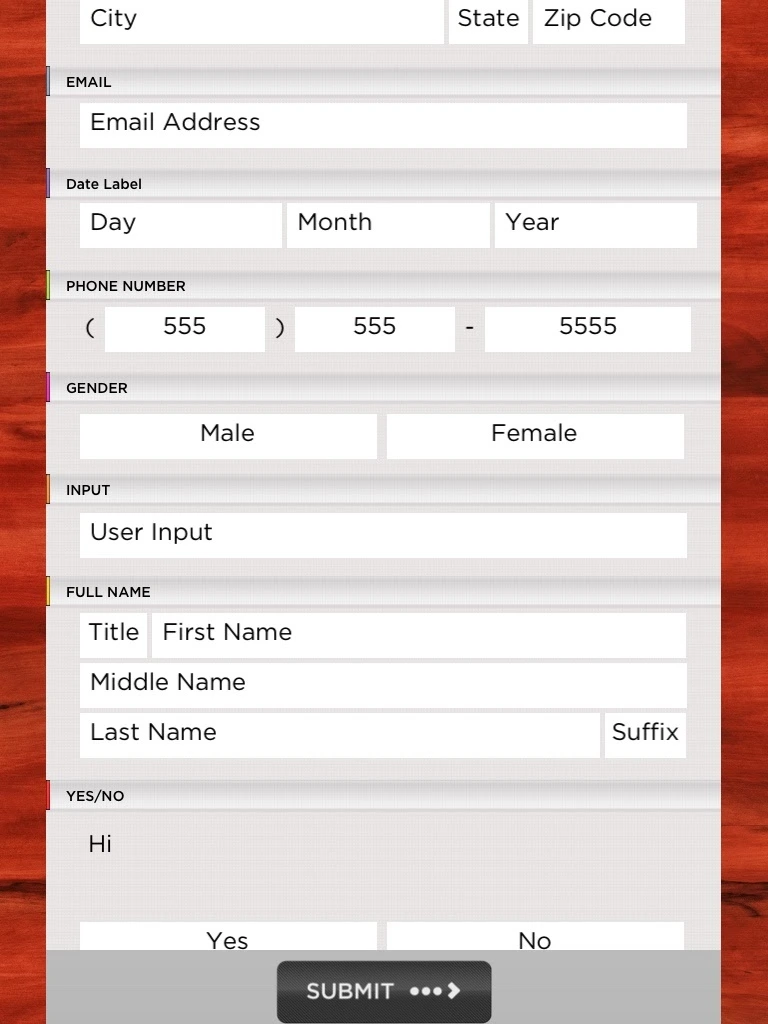
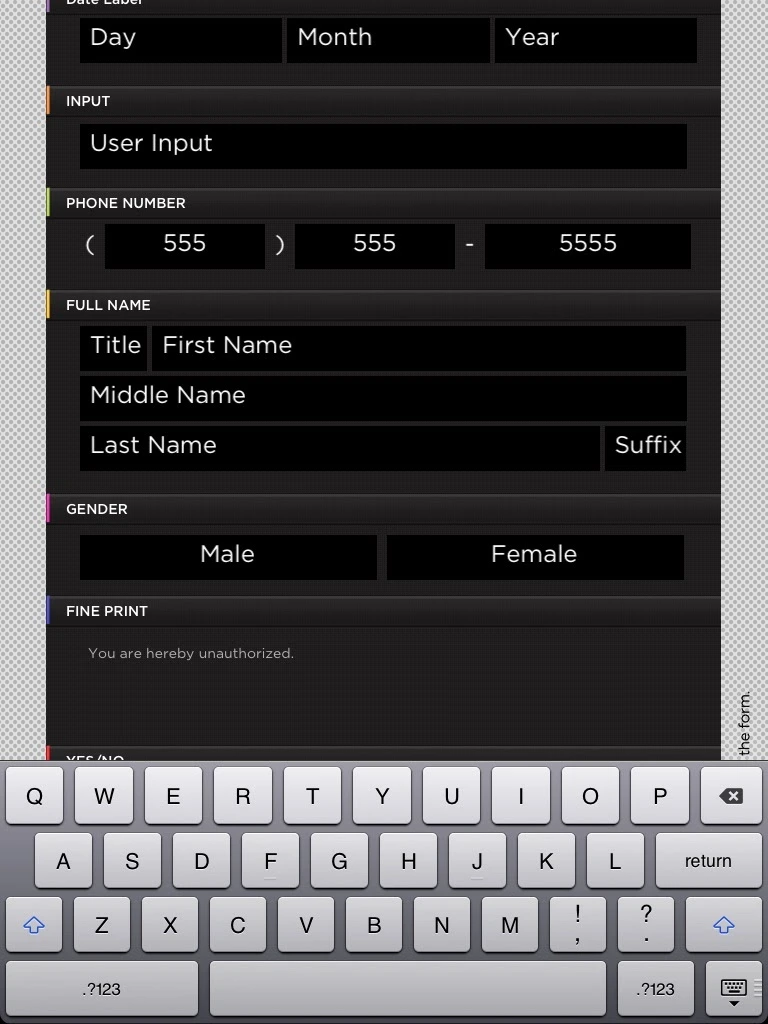
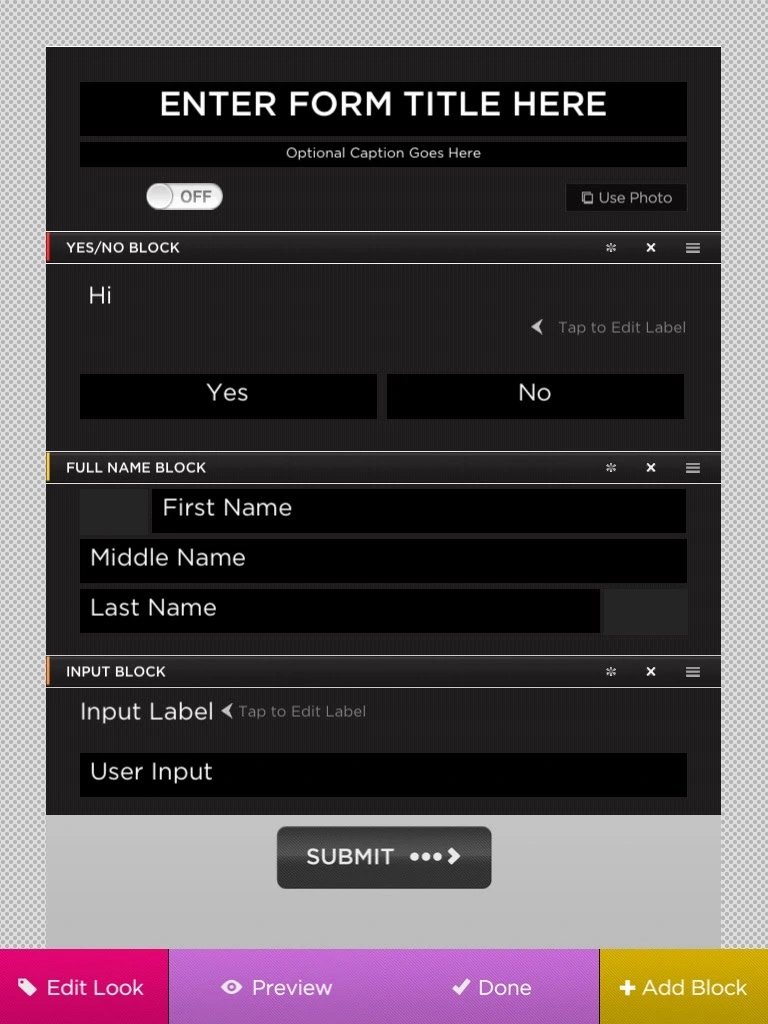
Form management: launch, review participants, edit, share and duplicate forms.Block library for building forms from names, addresses, dates, questions and other field types.Block-based form editing and appearance controls.A simpler form layout with configurable text and full-name blocks.Editing a form with the iPad keyboard open.Form preview with a Submit control. Visible values are placeholders and sample content.Appearance customization with light/dark options, texture swatches and photo backgrounds.
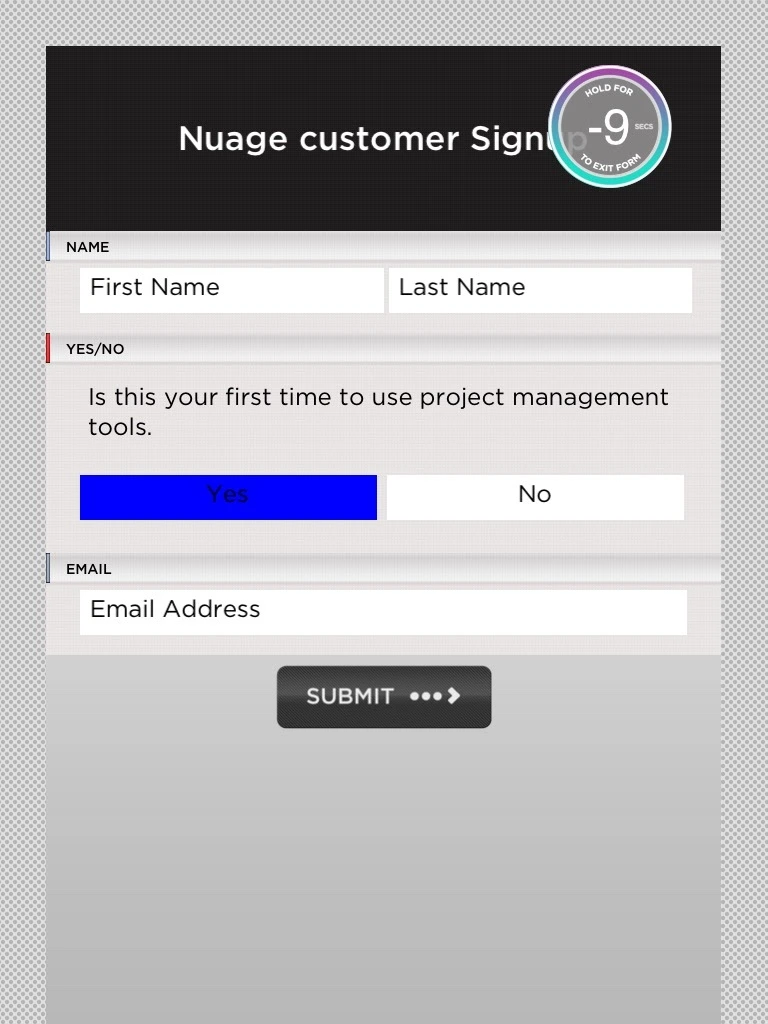
My Forms carousel with a wood-bordered form preview and launch controls.Collection-mode example: a Nuage signup form with a visible hold-to-exit countdown. No lock code or submitted contact details are shown.Light-theme form preview with multiple field types and a Submit control.Dark-theme form entry with the iPad keyboard open.Another block arrangement in the editor. Two ambiguous name-field values are masked in this presentation copy.